
A backup system review helps businesses understand how quickly and reliably they can recover data after a natural disaster, hardware failure, or ransomware attack. Backing up your data and being able to fully restore it after a disruption is essential to business stability. If malware destroyed your server or ransomware locked, corrupted, or erased your files, how quickly could your business recover and resume operations?
For many organizations, the risk goes beyond the server. While most business owners understand the importance of backing up servers, desktops and laptops are often overlooked. Even when core data is stored on a server and backed up through the network, individual computers may not be protected. Local files, software applications, system settings, background configurations, and personal work data are commonly excluded from backup plans.
If company computers were to crash, become infected, or fail unexpectedly, that information could be permanently lost. While server-based data may be recoverable, rebuilding each workstation requires reinstalling software, restoring settings, and recreating local files. This process can take significant time, and downtime quickly becomes costly.
Whether at the server level or the individual device level, a well-designed backup system plays a critical role in keeping a business operational, resilient, and efficient.
Backup System Review Recommendations
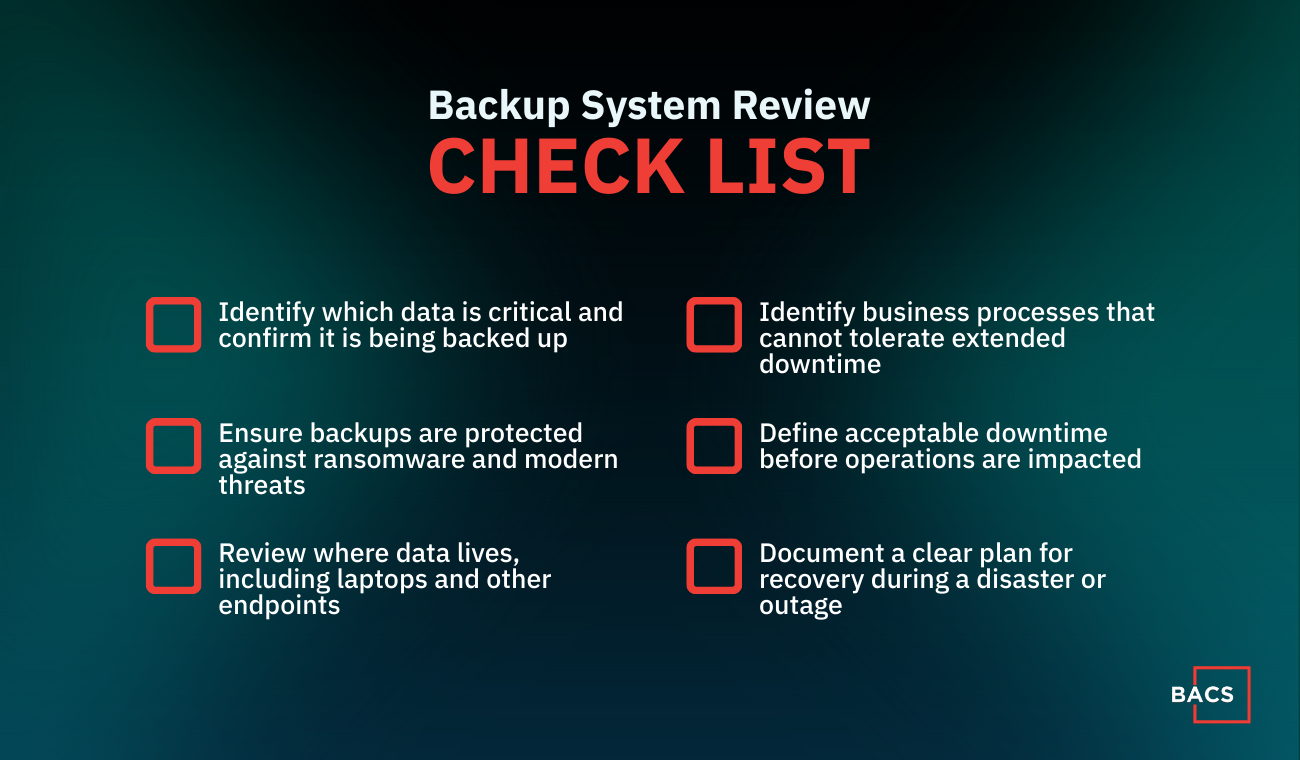
We recommend conducting a backup system review to evaluate how well your current backup system supports recovery and business continuity:
- Determine the data that is critical to your business so you can make sure you are indeed backing it up.
- Guard yourself against the more sophisticated attacks we see today by putting a more robust, ransomware-proof backup system in place.
- Review what data you have and its location. Unfortunately, it’s typical to find critical data on laptops and other devices that are not being properly backed up.
- Identify the processes, such as payroll or client-facing services, that are crucial and cannot be down for an extended time.
- Discover your tolerance for downtime. How long could you be without access to your server, files, e-mail, Internet, and other processes before it starts costing you real money?
- What’s the plan for an actual disaster? What will you do if your team can’t get to your data because of a fire, flood, or natural disaster?
The Purpose of These Questions:
- Get an awareness of the risks and limitations of your current backup.
- Use your answers to map out a disaster recovery plan so you won’t have to face any unpleasant surprises should a disaster happen.
- Help you choose the disaster recovery system that fits your budget and priorities.
Why a Backup System Review Matters for Business Continuity
A backup system review helps identify the underlying issues that can disrupt operations, impact data availability, and prevent a business from recovering quickly. Here are some issues that can arise:
- Physical causes: Accidents such as falling from a rack, fire, or a flood can cause severe server issues.
- Power supply failures: Missing power results in servers shutting down.
- Hardware problems: Overheating can cause server failure.
- Software problems: Database issues can result in servers malfunctioning.
- External actions: External attacks or malware can also end up in a server going down.
How Can Backup Issues Harm You
Even though it’s challenging to add up specific figures, backup issues have a real economic impact. The actual calculations depend on multiple factors, such as:
- Loss of sales: The server that supports the website’s cart is down.
- Service loss: Not being able to purchase from you will force prospects to buy from your competitors. And even worse, some of those people, disappointed by not being able to buy from you, might not try to do it again in the future.
- Productivity loss: If your team is unable to use the systems and programs they need, preventing them from working, productivity will decrease.
- Customer service issues: What if billing is down, affecting your customers, and having them worry about the security of their personal data?
- Reputation problems: A website or a billing system failure will not only affect you in the specific moment in which they occur, but they can convey a negative image of your company, with all the negative consequences that this may entail.
The biggest challenge BACS faces in protecting you (and other companies) is your thinking. Many business owners think “These problems won’t happen to me,” “Our company is too small,” or “We don’t have the kind of information a hacker wants.” That may have held 10 to 20 years ago, but it does not hold today.
BACS is Here to Assist
BACS’s Disaster Recovery, Security, and Backup Audit will reveal how quickly your business could recover after a server crash, natural disaster, virus attack, or other data-erasing catastrophes. We make it easy for you not to push this “important, but not urgent” action item to the back burner.
Our audit determines:
- How fast could you recover if a disaster were to happen?
- How secure is your data…really?
- Are you backing up all your critical data every day?
- Are you protected from hackers, viruses, and even simple mistakes?
- Do you know what steps would be involved to rebuild your server and recover your data if you had to and how much they would cost?
If we don’t find any issues, you’ll have peace of mind about the security of your network and the fact that you would experience a quick recovery in the event of a disaster. But, if we do find a few gaps, you’ll be able to fix them before you experience an unexpected catastrophe. Remember, we are here to help. Contact us today.