
A ChatGPT pilot gives your team a way to answer a practical question: Does ChatGPT make a task easier once you count the time it takes to check and edit the output?
Start with something your team already does every week, like turning meeting notes into a follow-up email. You already know what a good recap looks like, who should review it, and roughly how long it takes. That makes it a useful first test.
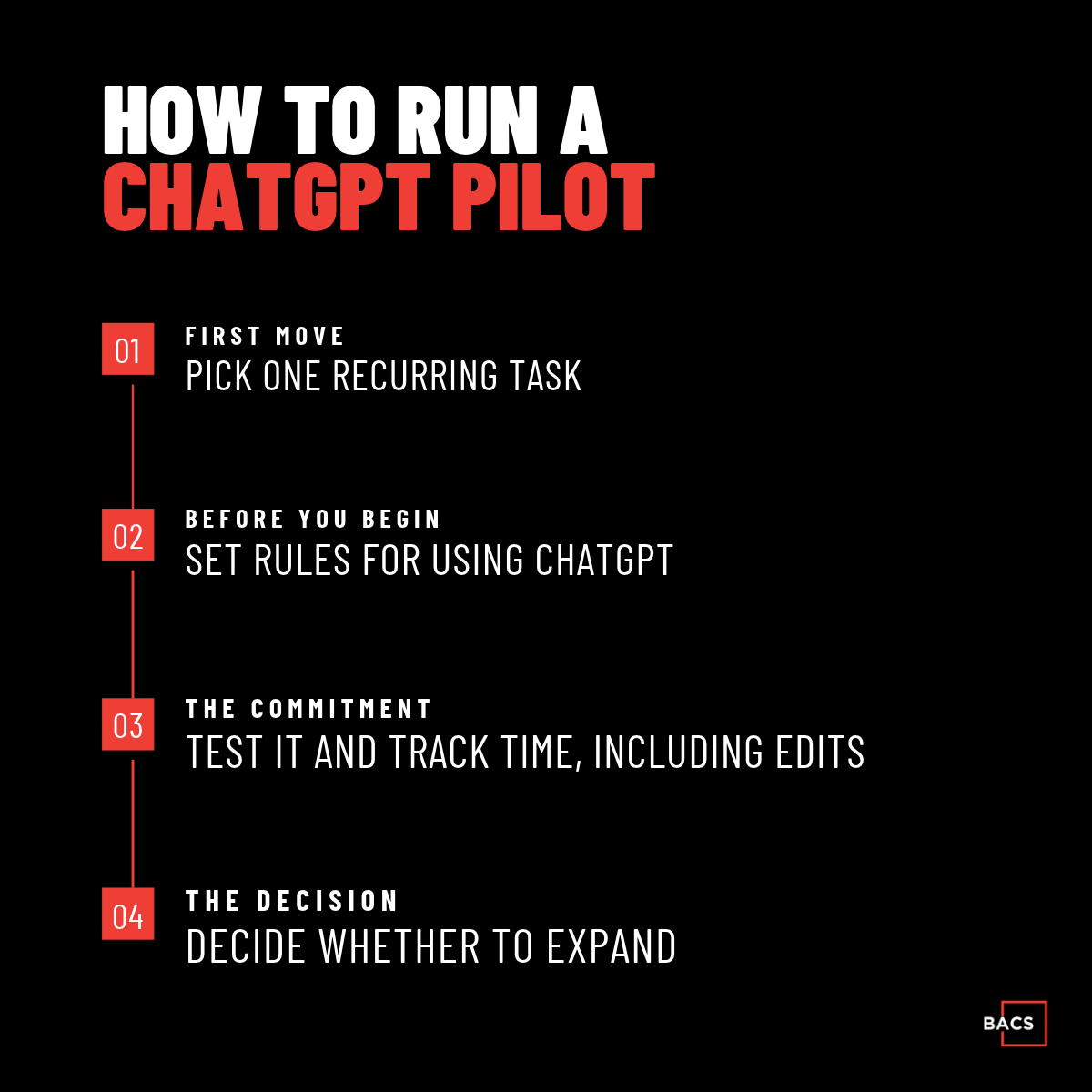
1. Choose one task for your ChatGPT pilot
Pick a task with a clear starting point, a predictable output, and someone who can judge whether the result is usable. For a meeting follow-up, the starting point is an approved set of notes. The output is an email that captures decisions, action items, owners, and due dates.
Start with one recurring meeting. Have the person who normally writes the recap time a few follow-ups using their usual process so you have a baseline.
2. Set the rules before your team uses ChatGPT
Decide which workspace your team should use, which notes they can share, and who approves each draft. For the meeting example, ask ChatGPT to flag missing owners or deadlines so the meeting lead can confirm them before sending the recap.
If you’re evaluating ChatGPT Business or Enterprise, review OpenAI’s business data privacy commitments alongside your internal rules for handling company and client information.
3. Measure the full workflow during your ChatGPT pilot
Run the test across several meetings. Track the time spent preparing the notes, drafting the recap, and checking and editing it. Also record any missed decisions, incorrect owners, or added deadlines.
For example, if a follow-up usually takes 15 minutes and the ChatGPT-assisted version takes 10 minutes including review, you saved five minutes. If the draft takes seconds but the corrections take 15 minutes, the team has learned where the workflow needs work.
4. Decide whether to keep, adjust, or expand the workflow
If the pilot consistently saves time and the recaps still meet your standards, document the process and try it with one more team. If the results vary, look at what caused the extra work. Inconsistent meeting notes might call for a better template. Repeated errors might make another task a better fit.
For a broader framework you can apply to other tools or teams, read How to Start With AI Without Risk.
Get help planning your first ChatGPT pilot
If your team is already experimenting with ChatGPT, BACS can help you choose a workflow, set guidelines for what employees can share, and train the people who will use it. Talk with our ChatGPT Consulting team about where to start.